Enterprise basics
Enterprise can be installed either in the Mandata cloud or on a server of your own. The type of installation you have determines the way you access the application.
When you log in to Enterprise, a single window will open to begin with. On it you'll see the main menu, from which most features are accessed. There are several other areas containing toolbars and menus which are used to access further features.
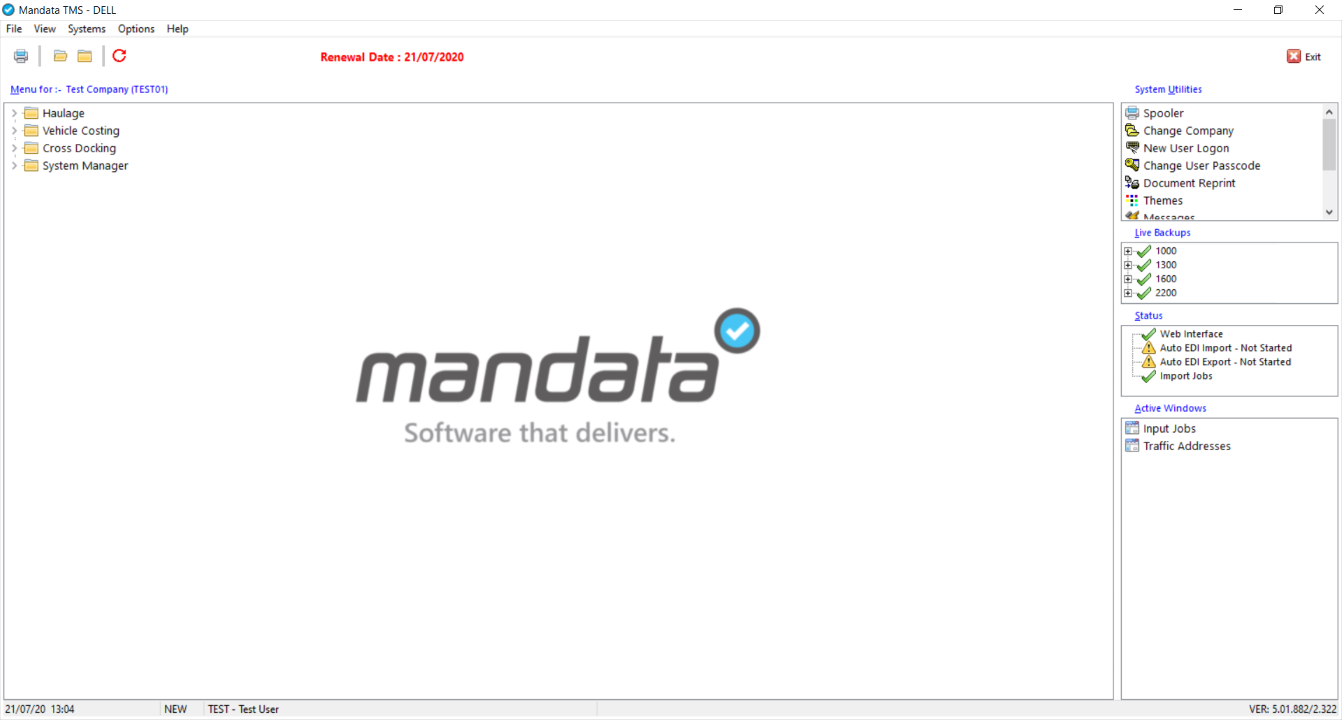
The application status bar, right at the bottom of the window, shows, from left to right, the current date and time, the depot you are logged in to, your user name, and the version of Enterprise that you are using.
When you log in to Enterprise, a single window will open to begin with. On it you'll see the main menu, from which most features are accessed. The toolbar on the left gives you access to further menus and features.
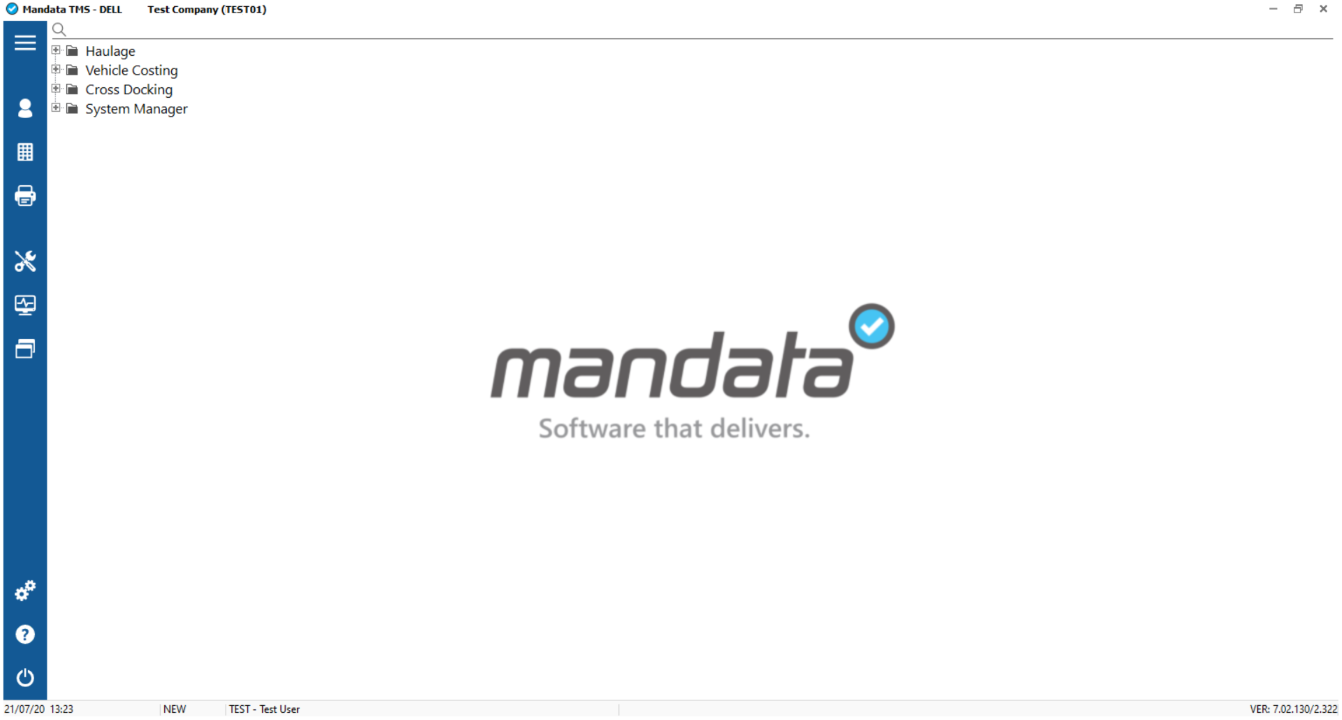
The application status bar, right at the bottom of the window, shows, from left to right, the current date and time, the depot you are logged in to, your user name, and the version of Enterprise that you are using.